
Base URL
The base URL for all API endpoints ishttps://api.getpoppy.ai.
Authentication
All API endpoints require authentication using an API key. The API key must be included in every request as a query parameter calledapi_key.
How to get your API key
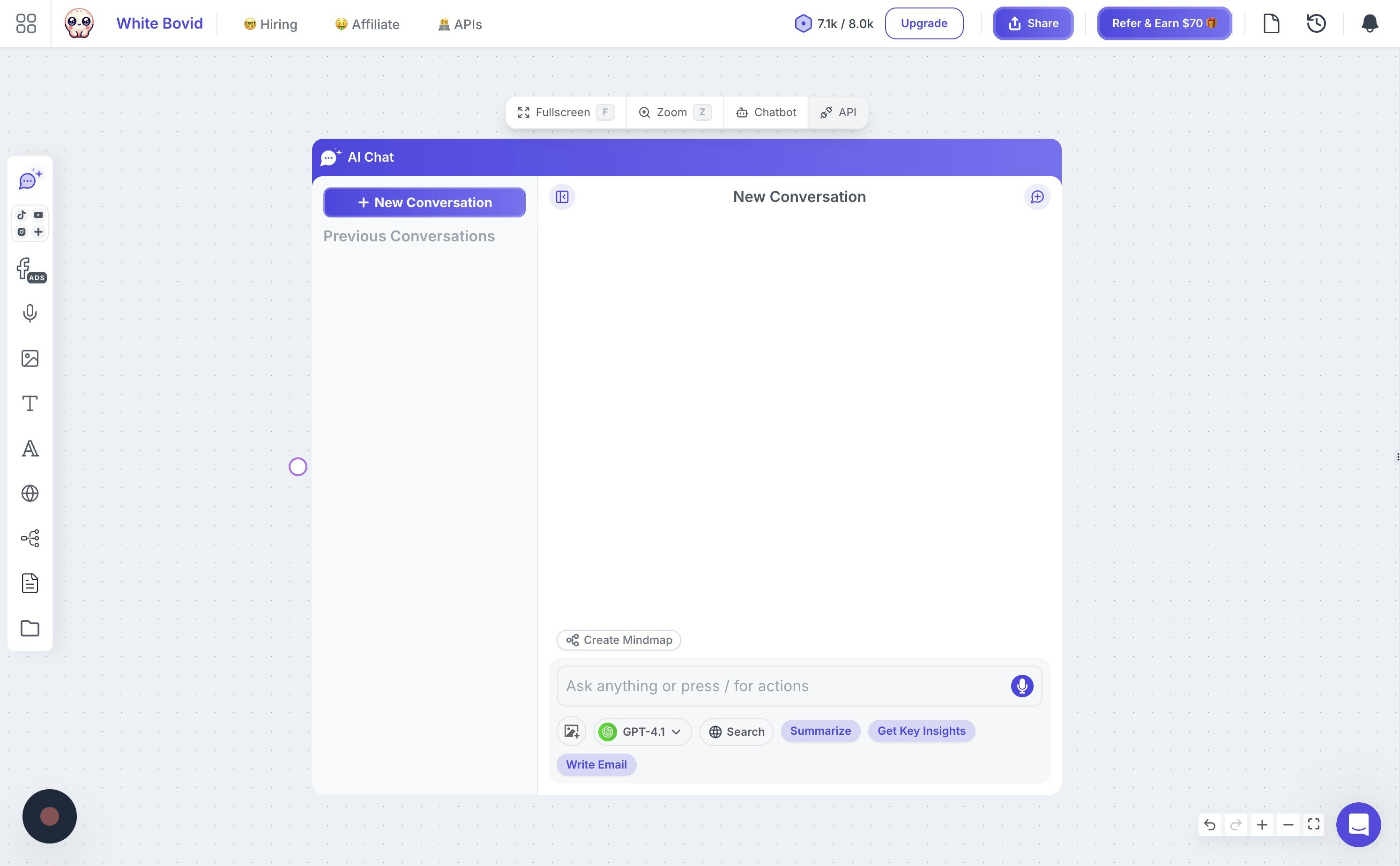
To get your API key, follow these simple steps:- Click on a chat on your board, then click the “API” button just above the chat.
- In the dialog that appears, click on “Show more” and then copy your API key from the “API Key” field.
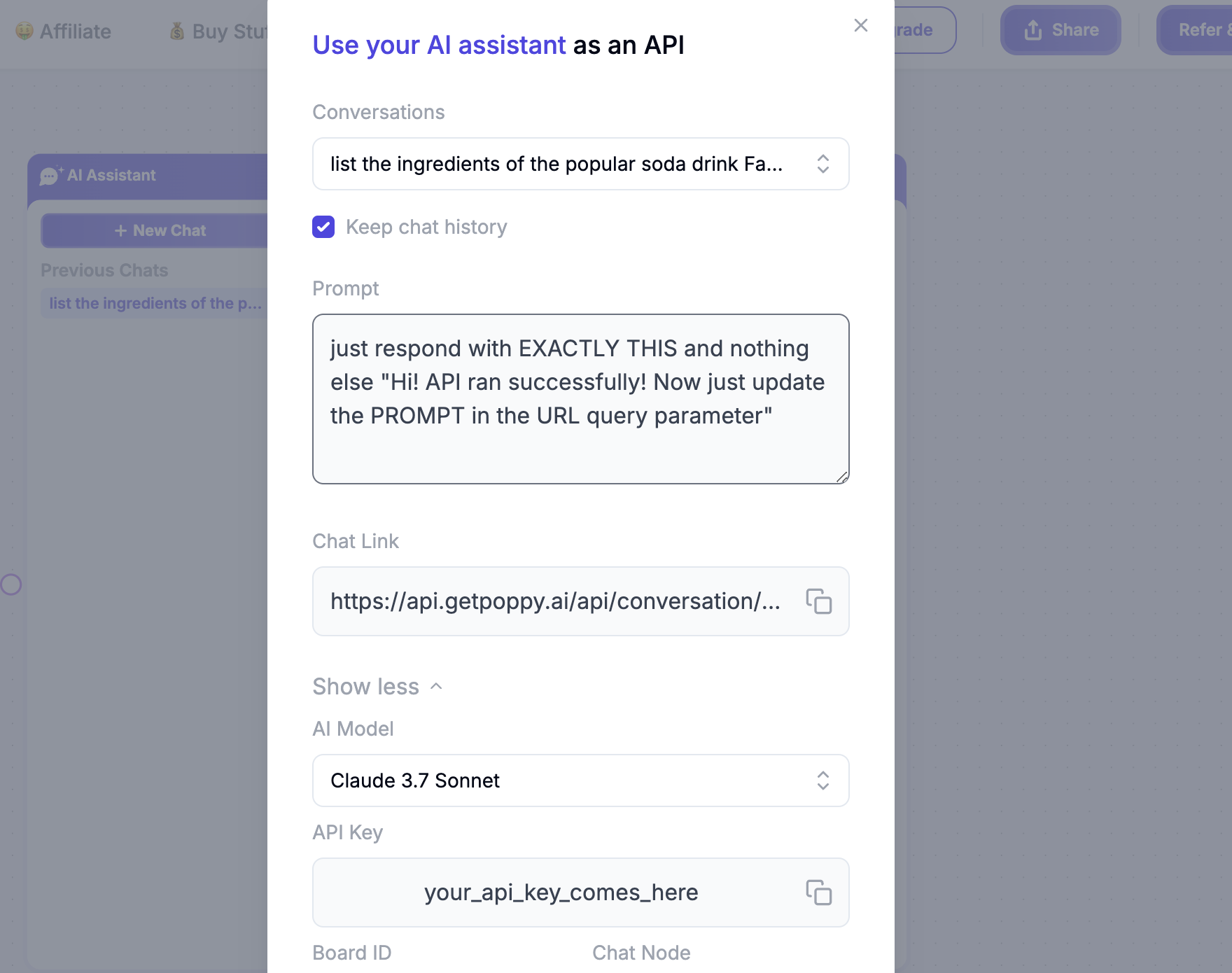
Enter your API key in the authentication field at the top of each API endpoint page. The API
playground will automatically include your API key in all requests.
Available Endpoints
Conversation Endpoints
POST /api/conversation
Ask a one-time question using your knowledge base (POST method)
POST /api/conversation/{conversationId}
Continue an existing conversation thread (POST method)
GET /api/conversation
Ask a one-time question using your knowledge base (GET method)
GET /api/conversation/{conversationId}
Continue an existing conversation thread (GET method)
Board and Chat Endpoints
GET /api/boards
Retrieve all your knowledge boards
GET /api/chats
Retrieve all chat assistants for a board